
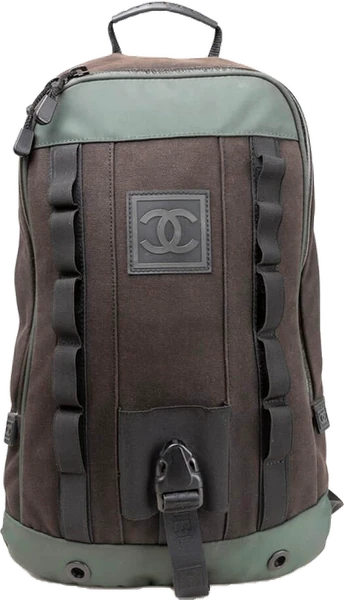
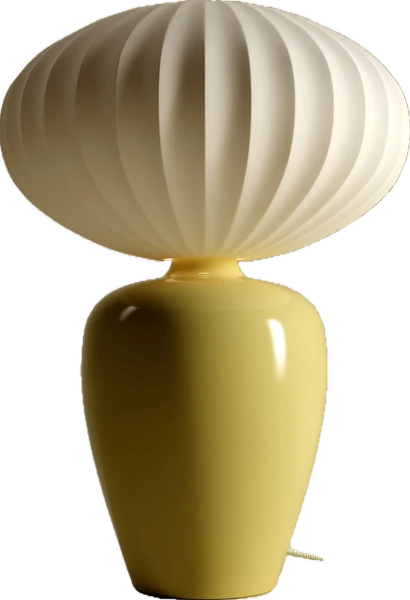
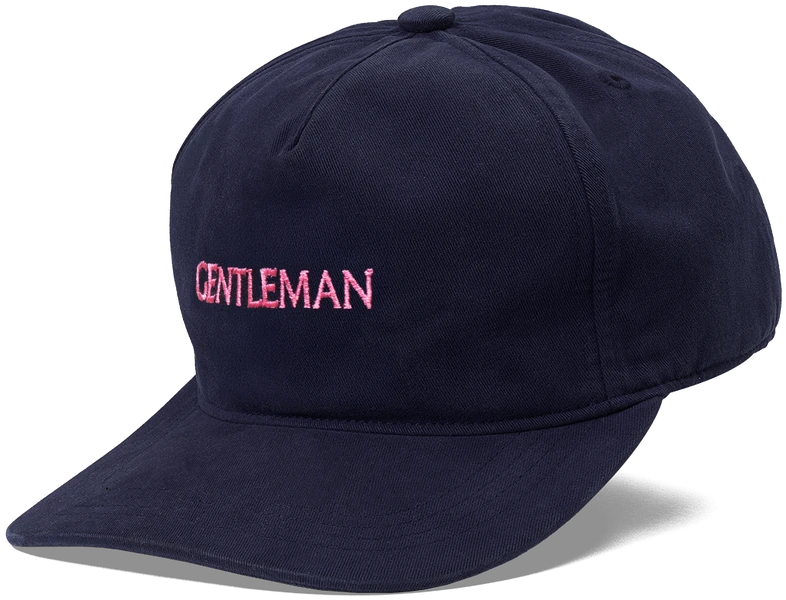
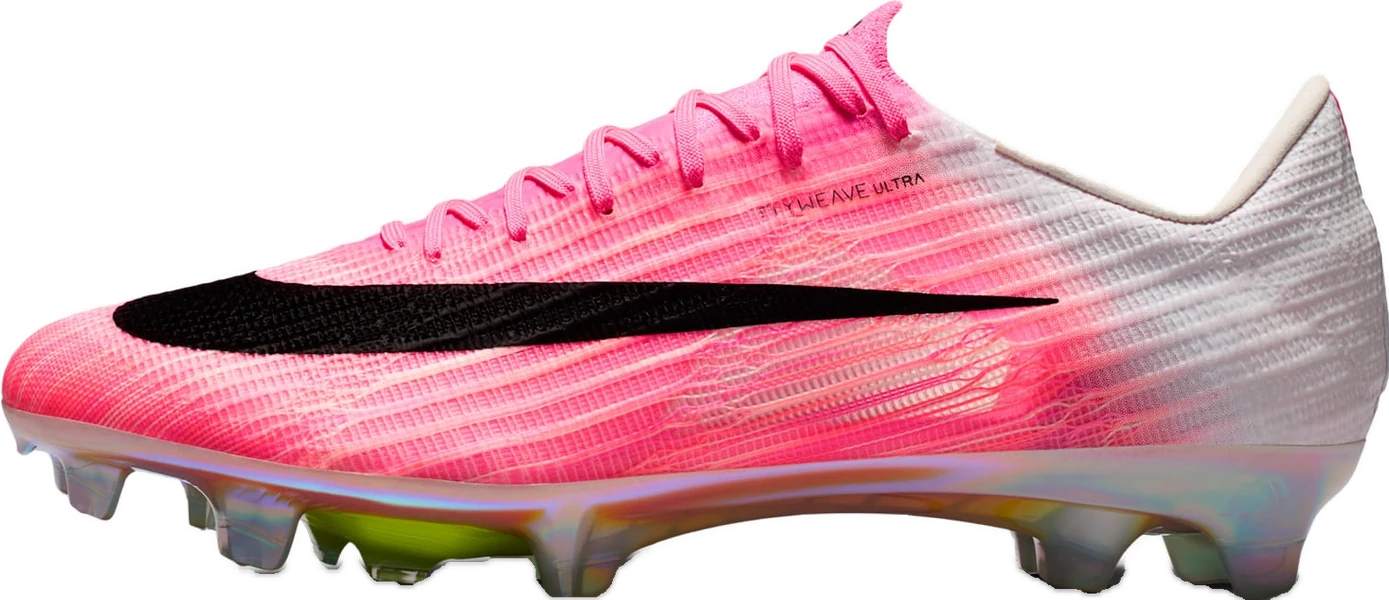


Not another list.A space.
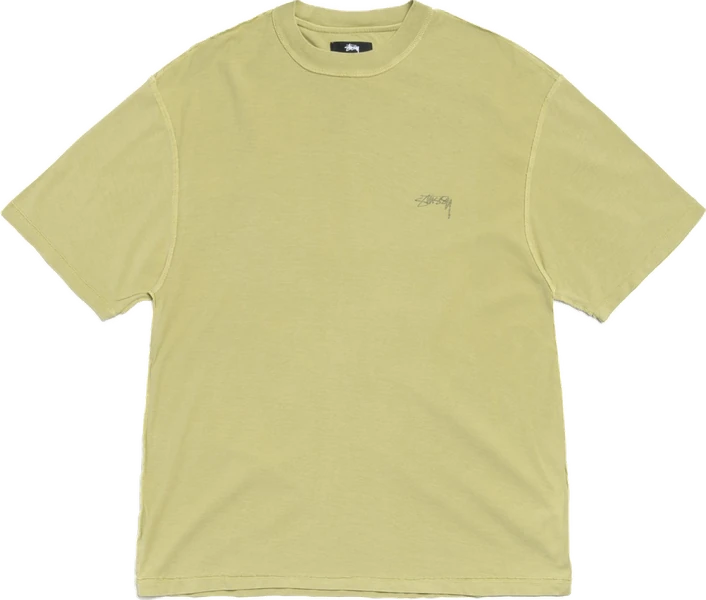
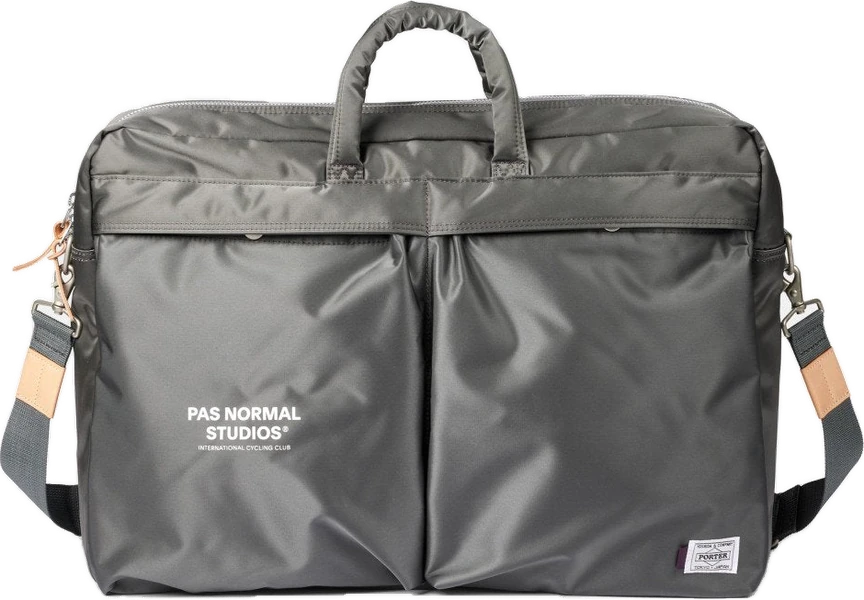
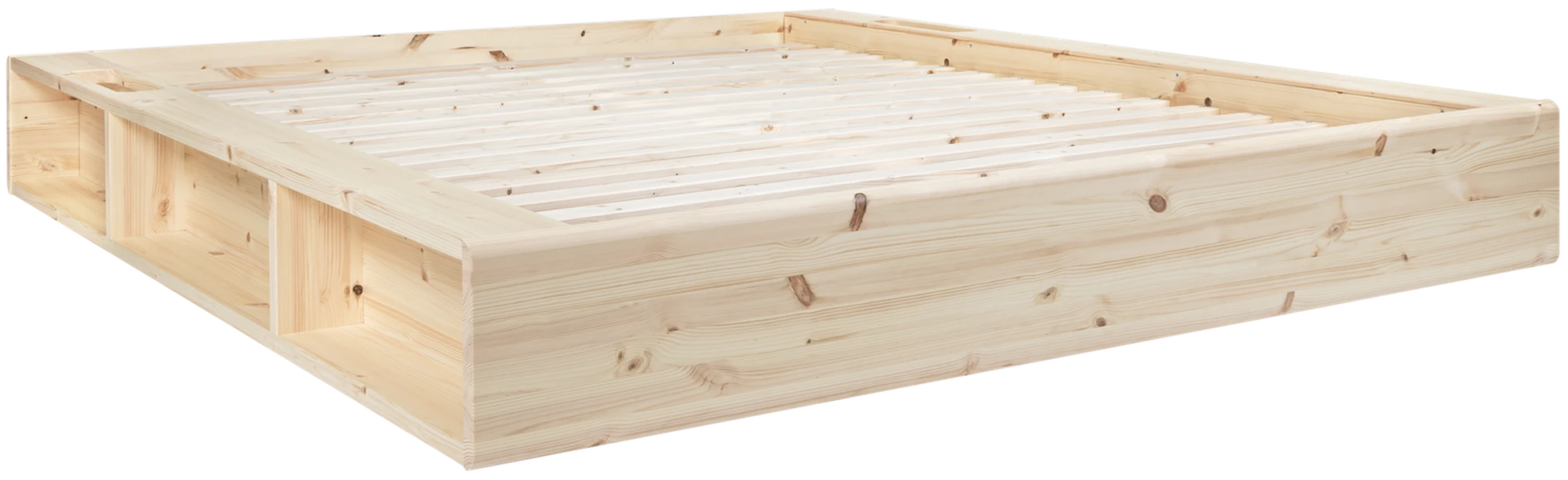
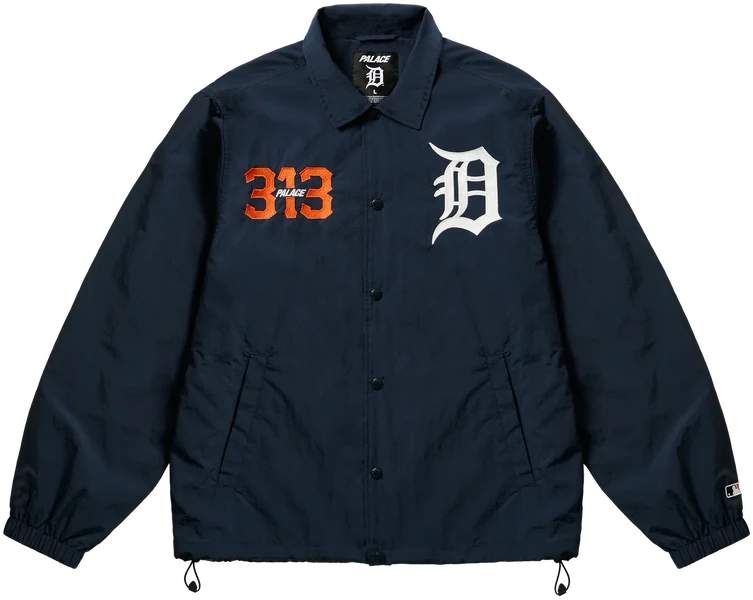
Paste a link from any store and the product itself comes off the page — photo, price, name — into a space you’ll actually want to open again.
Everything you want, in one space.
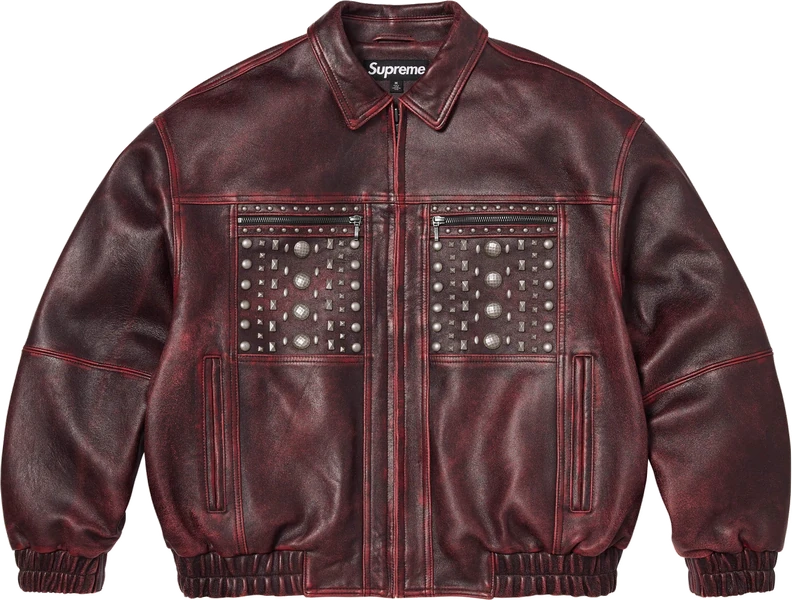
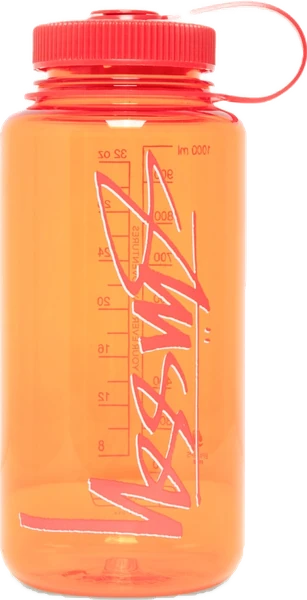
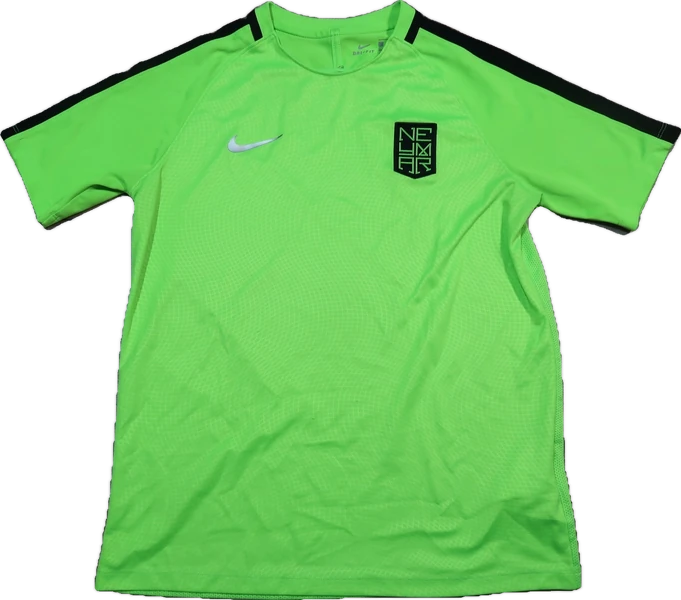
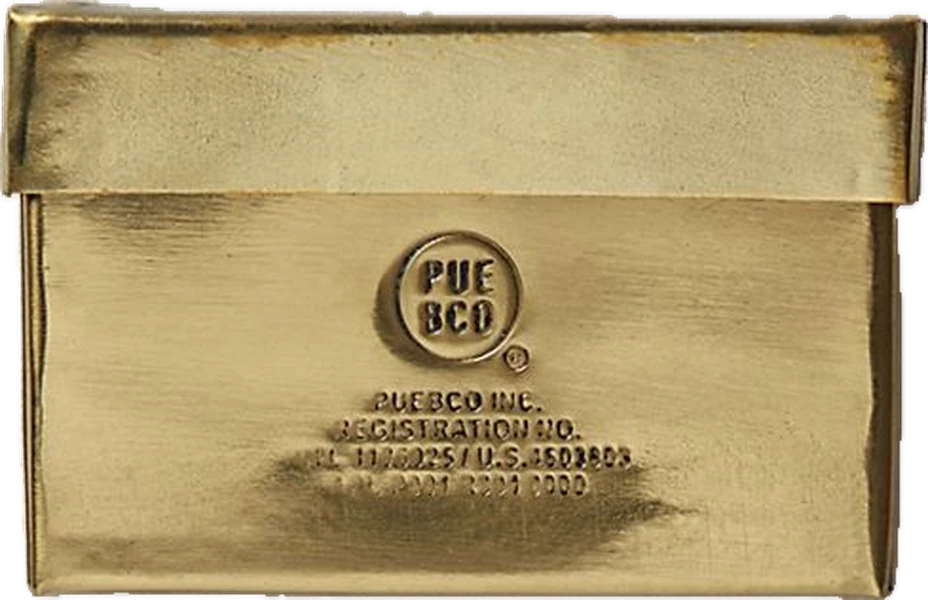
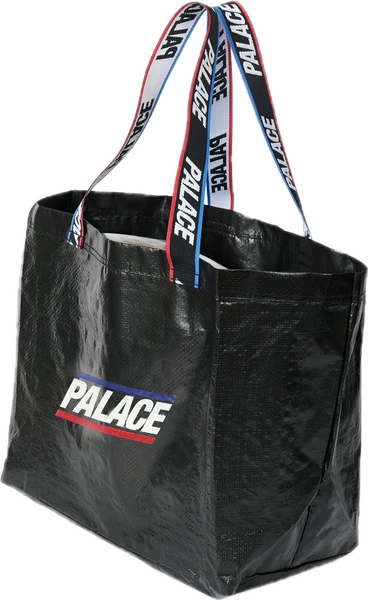
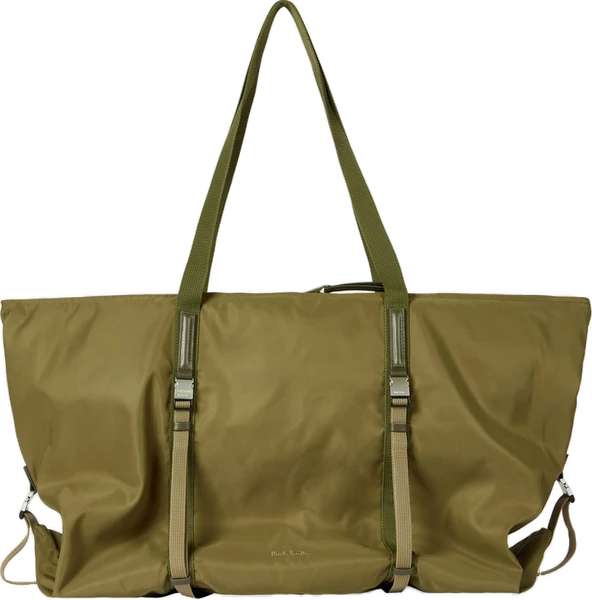
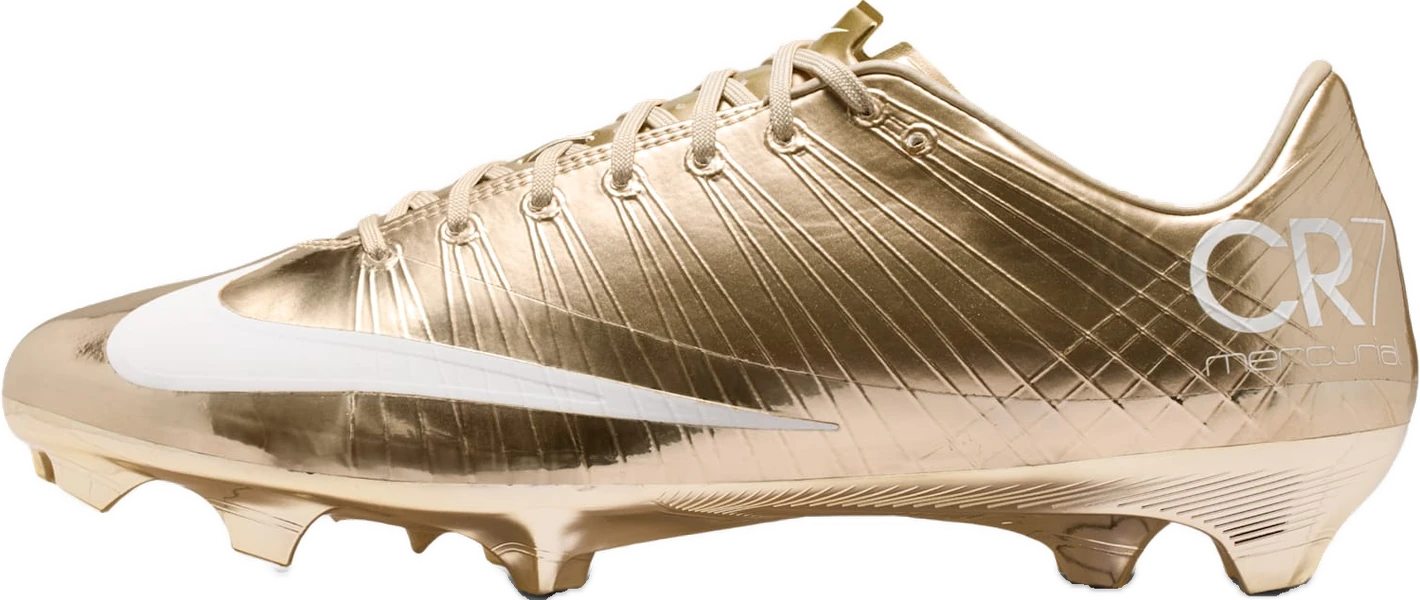
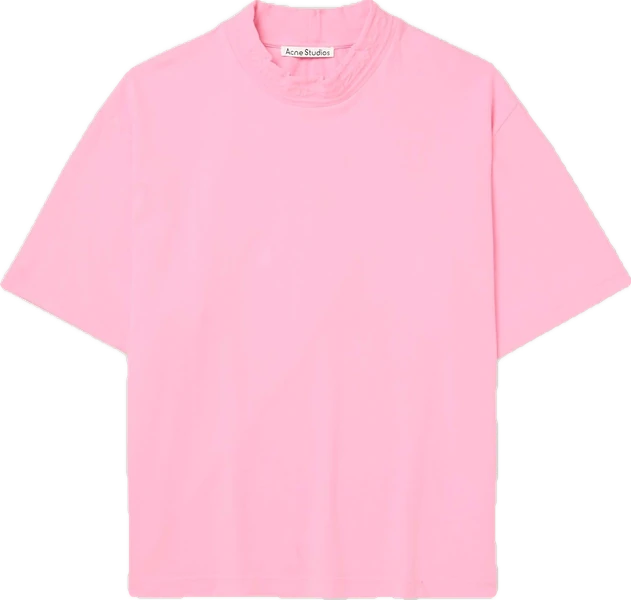
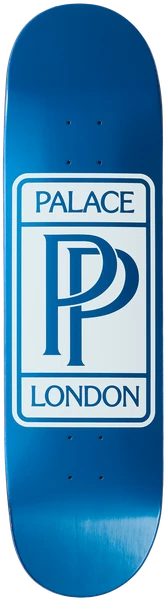
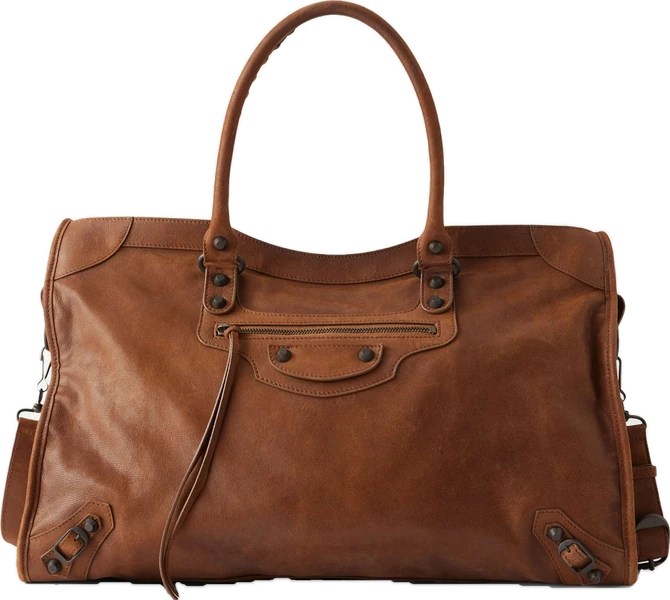
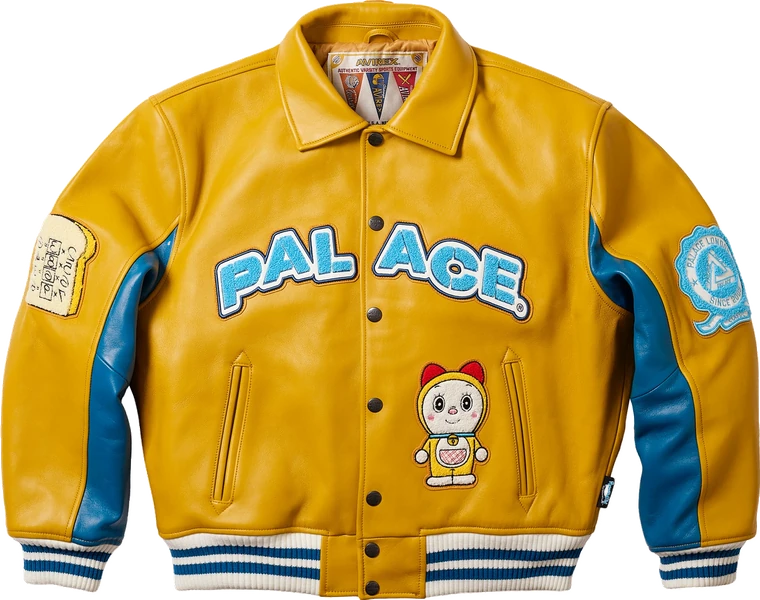
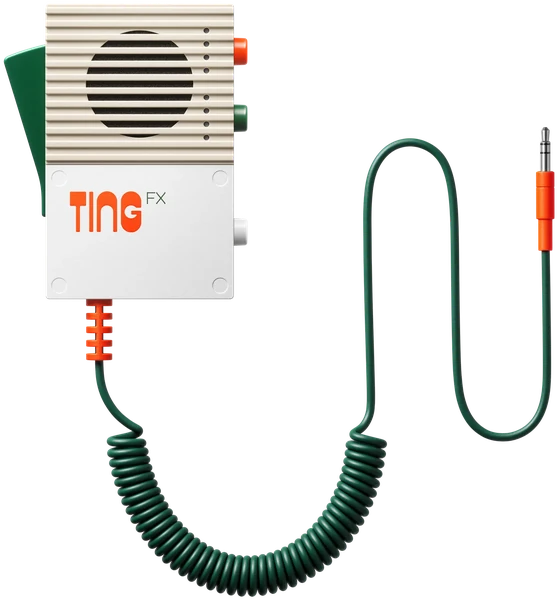
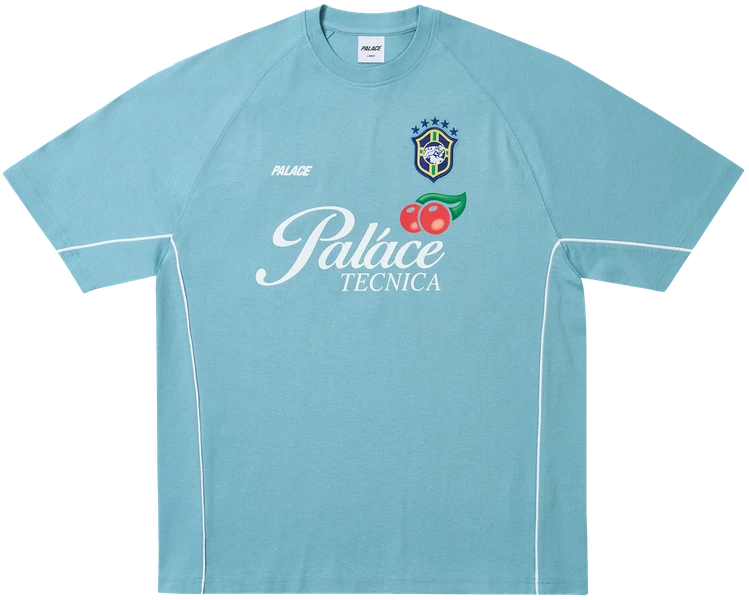
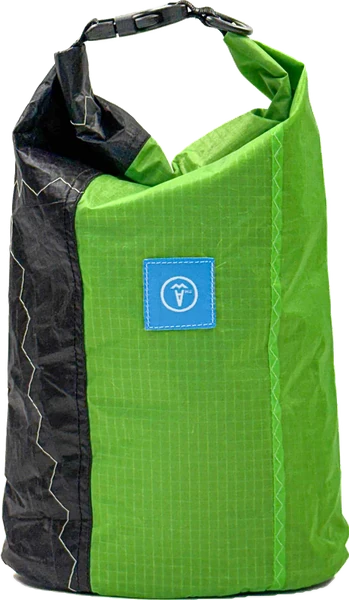
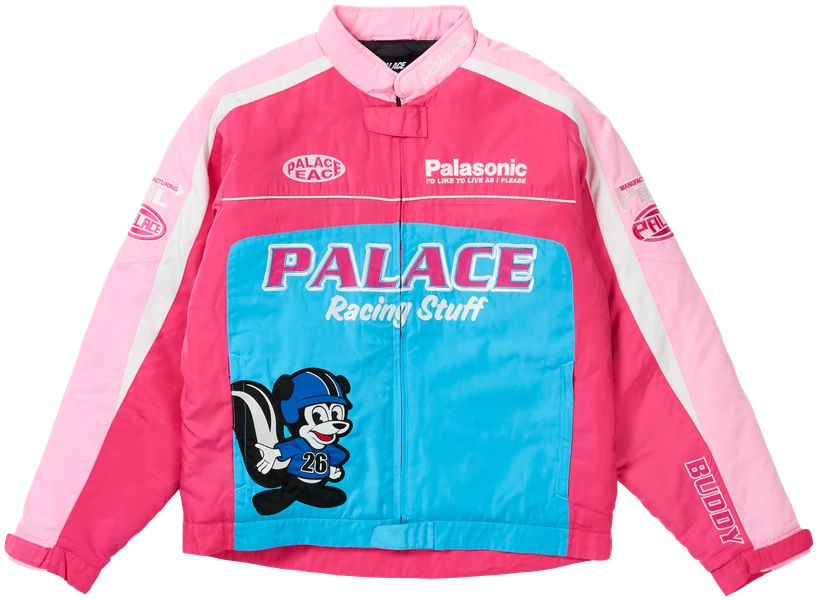
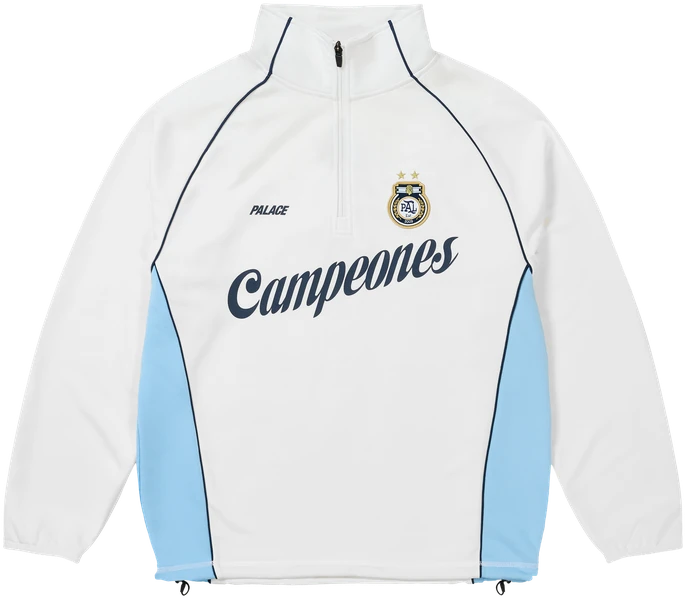
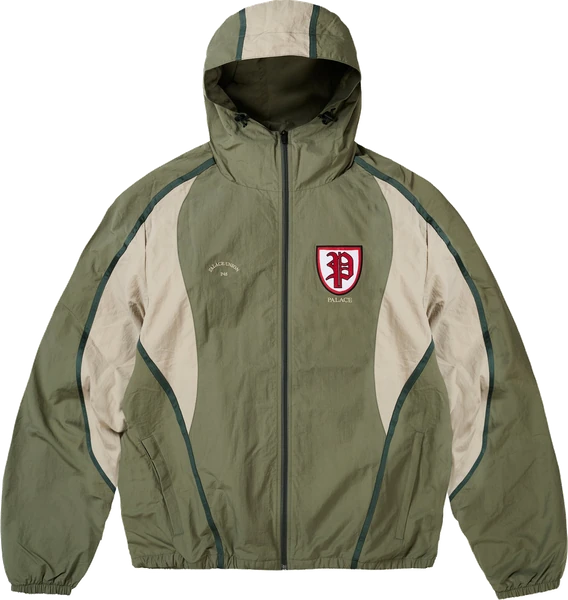
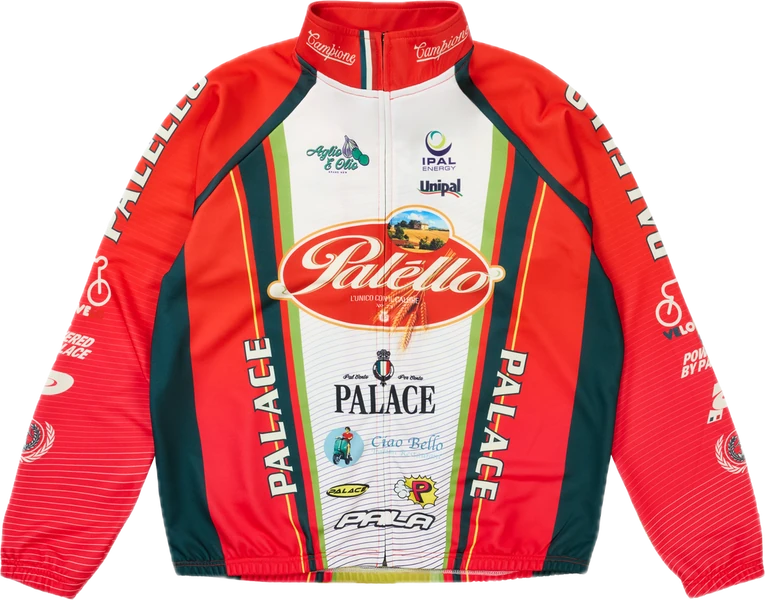
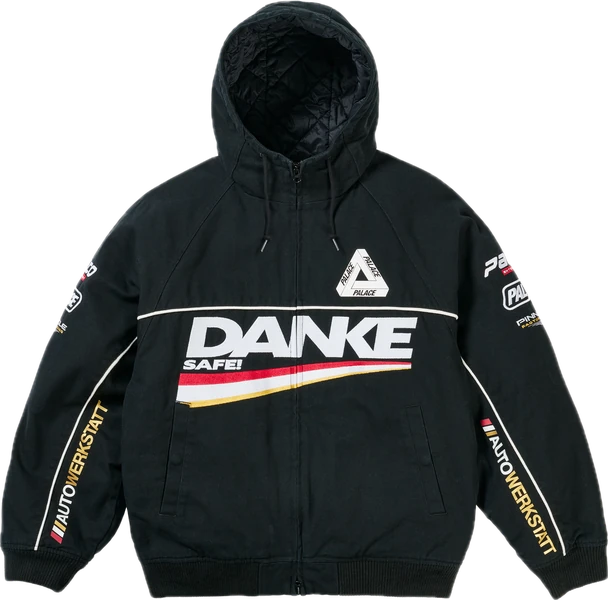
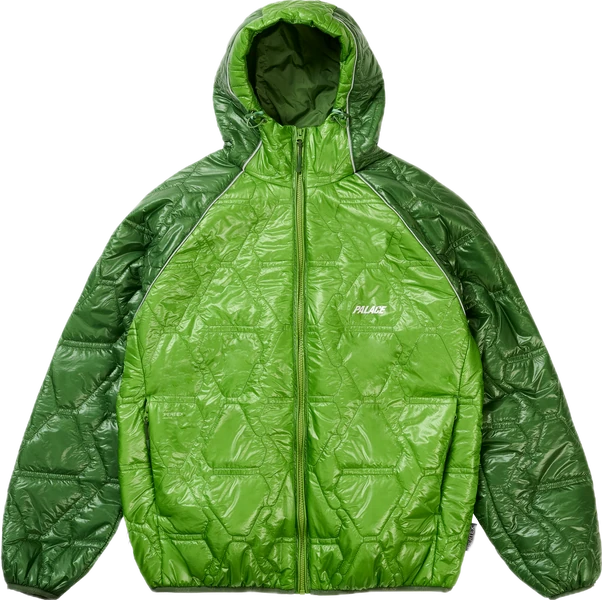
Every product you save lands on the same clean canvas. Scroll the whole space, or fan it out into a grid — it reads like a gallery, not a folder.
Paste a link. Done.
Copy any product link, or share it straight from Safari. Pecca reads the page and pulls the title, price, and photo across for you.
Sorted into collections.
Fits, wishlists, gift ideas. Name collections however you think, and a piece can sit in more than one.
A gallery of only your things.
Scroll a full-screen wheel, or fan out to the grid. No ads, no algorithm, nothing you didn’t choose to keep.
Your space, one link at a time.
Everything you save stays yours. Nothing is public unless you share it, and nothing is for sale to anyone else.
Any store
If it has a link, it saves
On-device cutouts
The cutout happens on your phone
Start straight away
Sign in later to keep it
From the beta.
The first people keeping their space in Pecca, before launch.
“I had forty tabs open across three devices. Now it’s one screen.”
“The cutouts are what make it work. Everything I save looks like it belongs together.”
“Paste a link, it’s saved. That’s the whole thing, and that’s why I still use it.”
“My collections are basically my future orders. It’s the only list that ever stuck.”
“It feels less like an app and more like a little gallery of things I want.”
“Sending one collection instead of ten links changed how I shop with friends.”
FAQ
Questions, answered.
Copy a product’s link and paste it into Pecca, or share it from Safari. Pecca reads the page, pulls the title, price, and image, removes the background, and drops it into the collection you choose, usually in a couple of seconds.